
Spreadsheet workflow
Read a Kakobuy spreadsheet row without guessing
Turn a Kakobuy spreadsheet row into a decision by separating listing details, your requirements, and the questions still open.
The buying field journal
A practical field journal for reading listings, comparing fit and deciding what’s worth keeping on your shortlist.

Field notes
A Kakobuy spreadsheet can put dozens of options in one view. The useful work begins when you decide what belongs in your own shortlist. Open the source listing and record the exact colour or version you’re considering. Find one reference you can measure at home. Give the row a next action, such as asking for a photo of the inside pocket or checking whether the shorter sleeve still works with your usual layer.
Take a pair of trousers with a 41 cm flat waist. If your favourite pair measures 41 cm too, that gives you one reliable point of comparison. The rise, thigh and fabric still affect how it feels when you sit down. Save those three observations with the link and the date. When you return to the shortlist later, you can pick up where you left off.
Spreadsheet workflow
Turn a Kakobuy spreadsheet row into a decision by separating listing details, your requirements, and the questions still open.
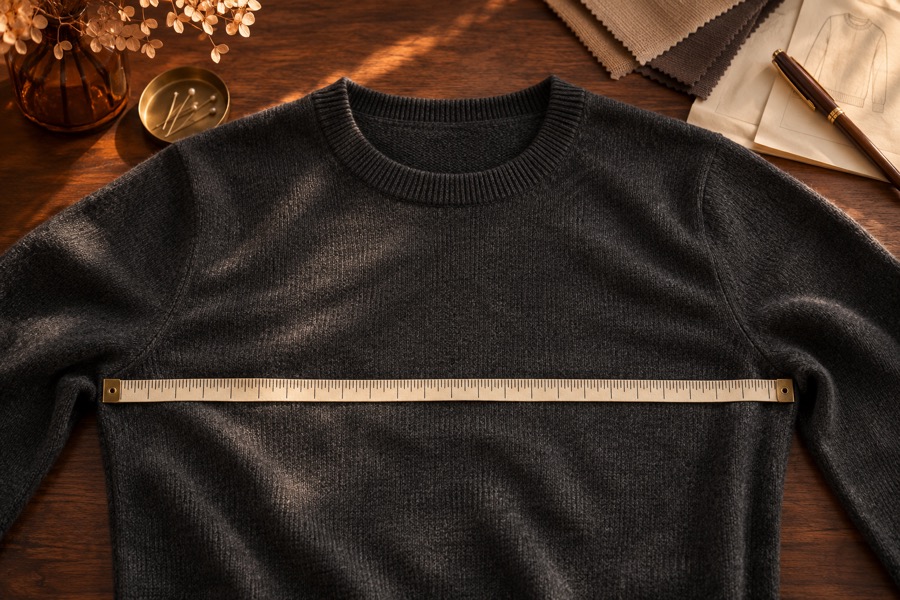
Fit & measurements
Record the fit of clothes you own, measure consistently, and compare shortlisted pieces against a useful range.
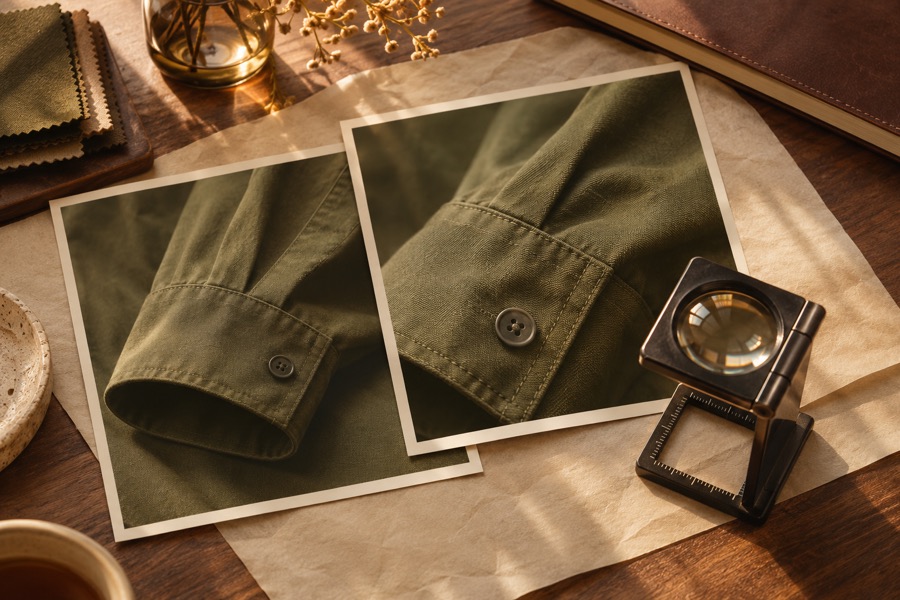
Photos & details
Use comparable angles, lighting and reference points to review clothing details from your Kakobuy spreadsheet.
Open a focused worksheet or checklist for the decision in front of you.
All reference pagesChoose a department on the main spreadsheet and take one practical check with you.