Compare Kakobuy warehouse photos in a fair way
A warm studio photograph and a cool overhead photo can make the same fabric look unrelated. When reviewing a Kakobuy spreadsheet pick, choose an observable feature and compare it in similar views. You get a better answer to a narrow question than to “Does this look right?”
Match the angle to the question
Use a straight-on view for shape and placement, a close side view for raised seams, and a flat view for left-to-right alignment. For a zip hoodie, compare how far each pocket opening sits from the center zipper. The two pockets shown in a tilted photo can look different simply because one is closer to the camera.
Compare color under similar light
Light source and camera processing can shift the color of cream, gray and navy. Look for a known neutral nearby, such as a plain white card photographed beside the item. Use that card to notice a cast rather than trying to translate the picture into an exact shade. If a specific color match matters, a photograph may leave the question open. If you have several pictures of the same piece, check whether the same color shift also affects the background. Record that before comparing it with another listing.
Describe the evidence you would act on
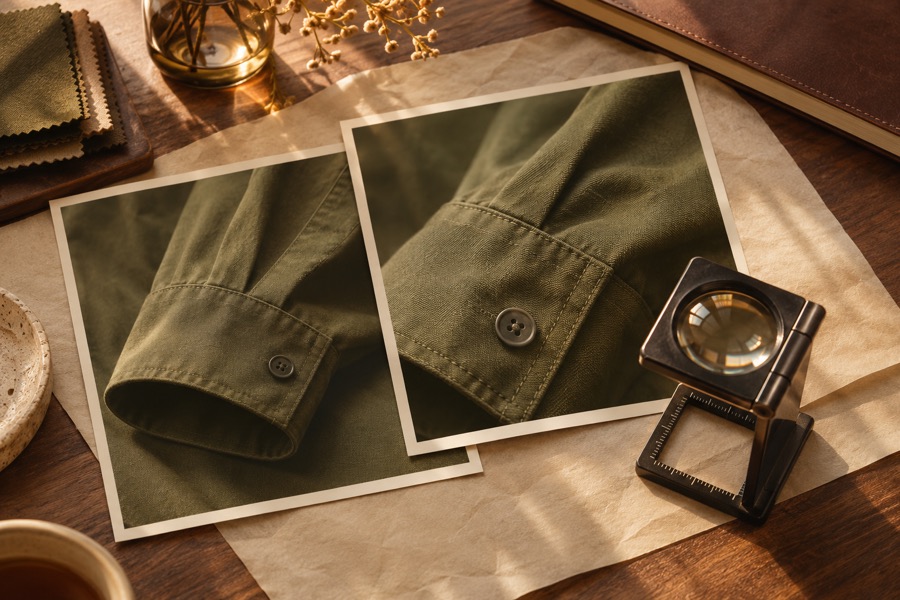
Suppose the left cuff appears wider in one picture. You have a useful signal if a flat photo shows both cuffs lined up and a tape shows one is 1.5 cm wider with no stretching. If all you have is a photo of one cuff folded at an angle, record “cuff alignment unclear” and request the same view of both.
Keep your first observation and your final call
Save the affected detail, the angle that revealed it and the finding. You might write “Pocket height looked uneven in the angled view. In the flat view, both upper edges meet the same reference line.” That note lets you explain the final call in the sheet and teaches you which photo you need for the next item.