Check outfit compatibility before buying a Kakobuy spreadsheet pick
A standout piece in a photo can turn out to require several other purchases to wear comfortably. Before acting on a Kakobuy spreadsheet row, see how the piece would work with three outfits you can already put on. Length, volume and the conditions you dress for are more useful here than a broad style label.
Start with three real outfits
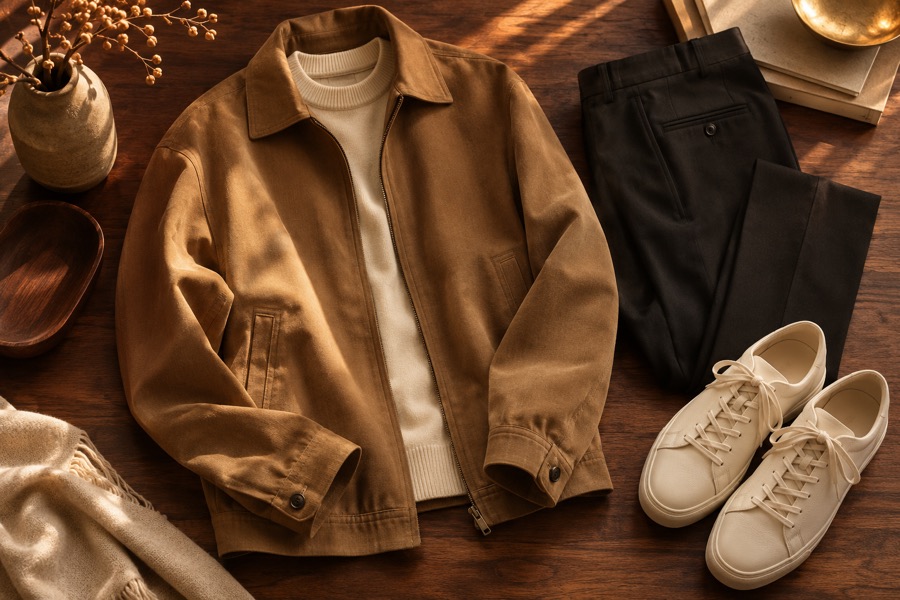
Lay out something you wear often, something for a different weather condition, and something you wear on a longer day away from home. Include the real shoes and outer layer if you can. For each outfit, identify the one piece the candidate would replace. You will quickly see whether it fills a wardrobe gap or duplicates something that already works.
Check where the hems and layers meet
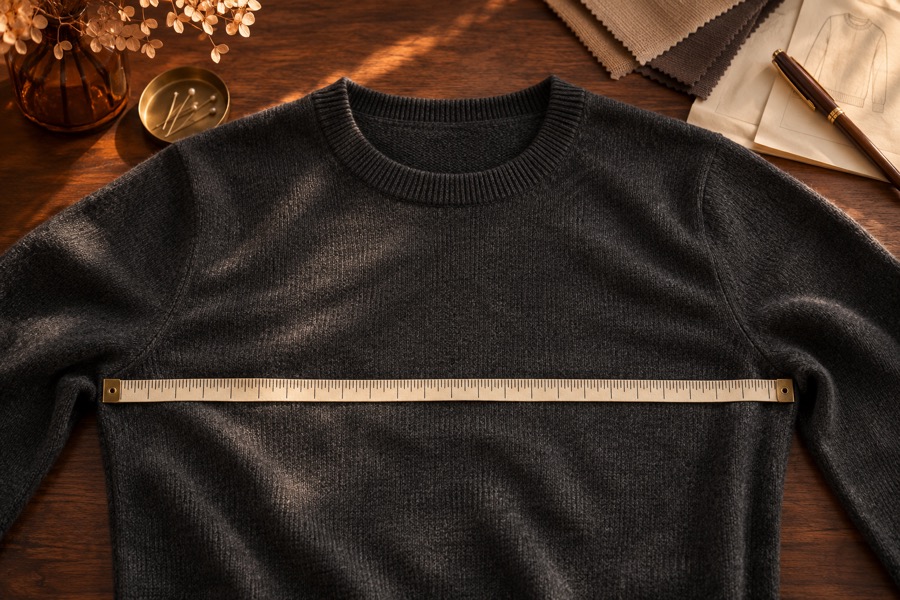
Measure the outer layer and the piece you want to replace. Suppose your everyday jacket is 66 cm long from the marked shoulder point, and a candidate shirt is listed at 73 cm using that same point. In a rough comparison the shirt could show 7 cm below the jacket. Check against a shirt you own to see whether that amount is comfortable and looks intentional when you move.
Try the silhouette with a stand-in
Use a similar garment from your own closet to mimic width, sleeve bulk or hem length. A heavy sleeve may fit under one jacket but bunch under another. A wide shirt may look balanced with trousers that taper, then block access to the pockets on a different pair. Try sitting or reaching with the substitute if that is part of your normal day.
Write the best outfit into the shortlist
Save photos for personal reference or add a note such as “works with gray trousers and light jacket, tight underneath quilted coat.” This gives you an outfit you can wear and a clear limit. If you can only use a new piece after replacing two more things, put that dependency in the sheet before reviewing the price.